All projects
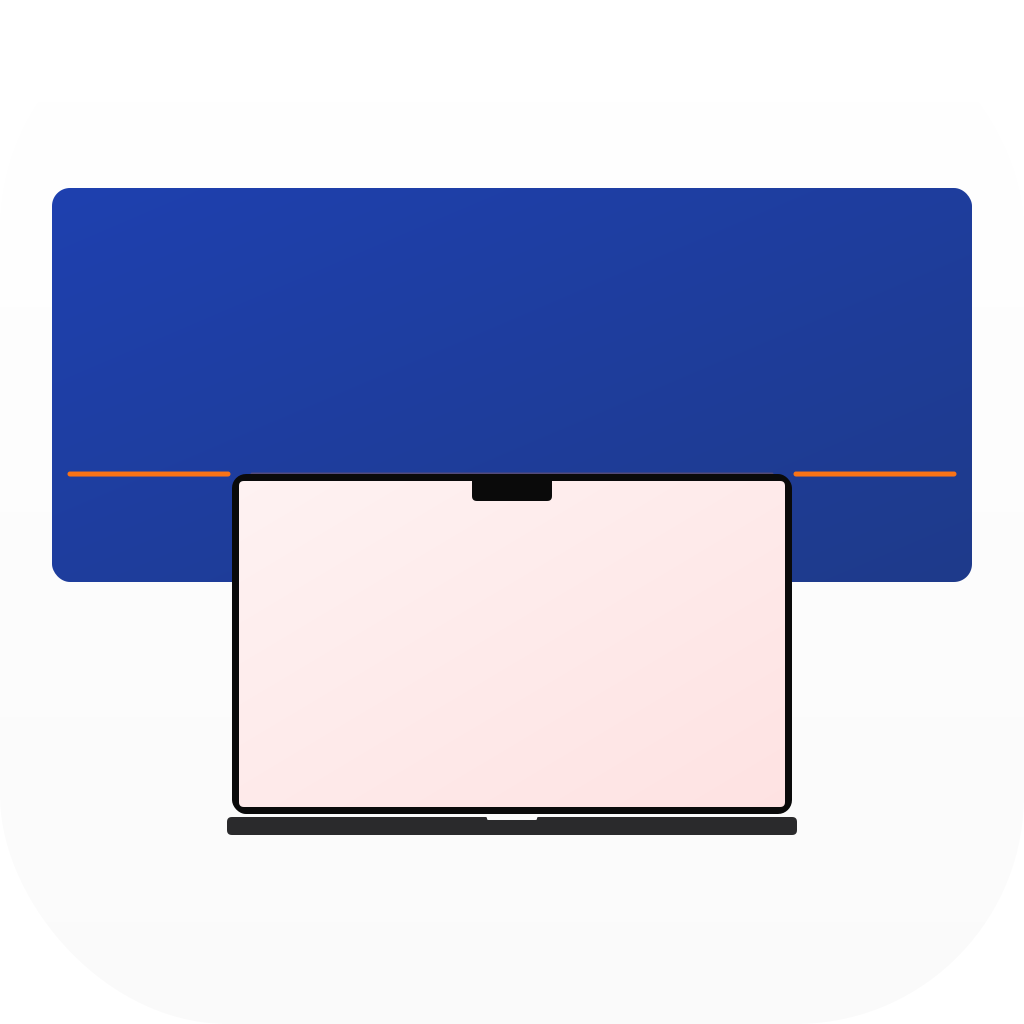
Every time you plug in an external monitor, macOS picks an arrangement — and it’s usually wrong. You open System Settings → Displays, drag rectangles around, close, and repeat tomorrow. And the day after.
Snap lives in your menu bar. When a display connects, a floating prompt appears: extend right, extend left, extend above, or mirror. Pick one, optionally save it for that display, and it vanishes. On subsequent connections of a known display, Snap silently applies the saved layout and shows a brief toast. Just plug in and go.
Features
- Instant detection — recognises displays on plug-in and at app launch
- Extend or Mirror — visual preset diagrams showing the layout before you apply it
- Per-display memory — remembers layouts by display UUID (different monitors, different configs)
- Rich display info — shows name, screen size, and native resolution (e.g., “DELL U2723QE 27″ 3840 × 2160”)
- Toast notifications — brief confirmation when a saved config applies, with “Change” to re-prompt
- Launch at login — set and forget
- Auto-updates — built-in update checking via Sparkle
Technical details
- macOS 15 Sequoia+ required
- Universal binary (Apple Silicon + Intel)
- Swift 6 with strict concurrency
- AppKit + SwiftUI hybrid — NSStatusItem menu bar, NSPanel prompt/toast, SwiftUI views
- Direct distribution with Sparkle 2 auto-updates (EdDSA signed)
- No App Store sandbox — requires unsandboxed access for display configuration APIs
- Zero third-party dependencies for core functionality
- MIT licensed